Step 2: Staking Transactions
The next step in the RealFi Testnet is staking your USDr to receive sUSDr.
Begin by opening the dApp and navigating to the staking tab. Once there, connect your wallet and enter the amount you wish to stake in exchange for sUSDr (staked USDr).
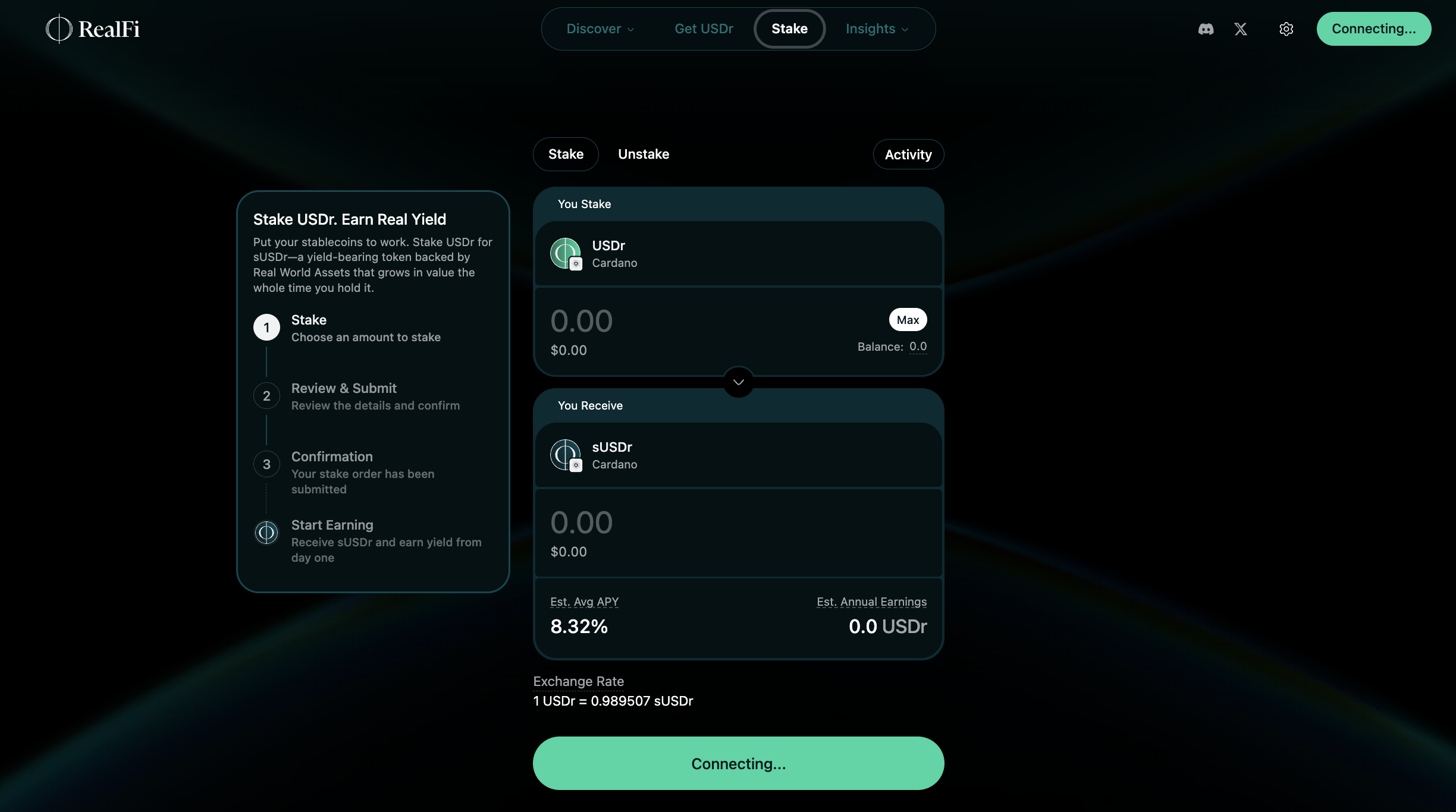
Select the option to review your transaction details, then choose "Approve and Stake" to finalize the process.
The dApp will then confirm once your USDr has been successfully staked.
As an added incentive, each staking transaction earns you 1,000 R-Points, up to a maximum of three staking transactions per participant – for a total of up to 3,000 R-Points.