Step 1: Swap Transactions
To begin participating in the RealFi Testnet, the first step is completing a SWAP transaction.
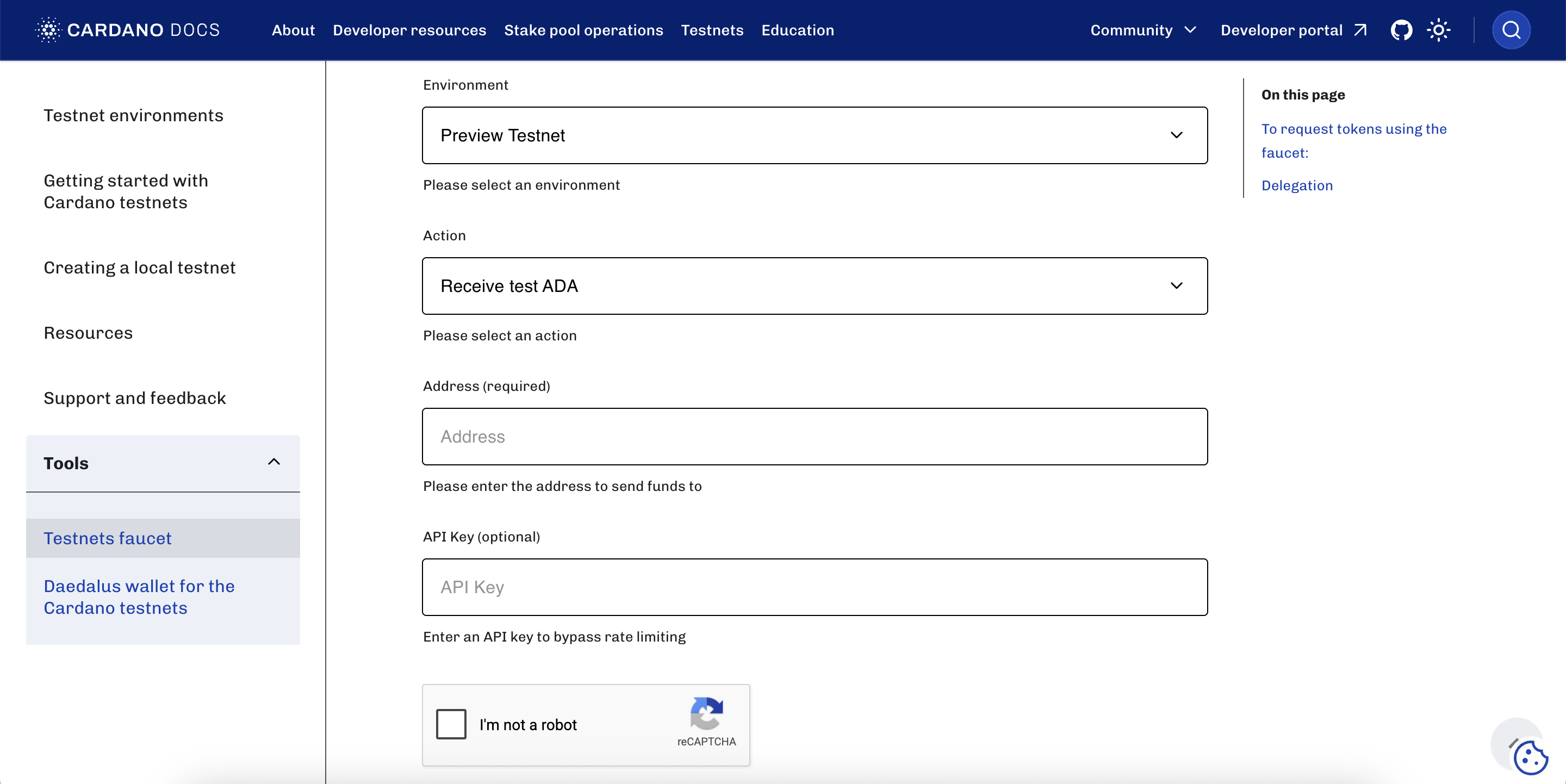
Start by navigating to the Cardano Faucet tool to request test ADA funds (used to cover network fees).
Once there, scroll down to configure your faucet settings by selecting the "preprod" test environment and entering your wallet address (we recommend Lace or Eternl, with network settings correctly set to the preprod environment). Proceed by clicking the button to request your test ADA.
Next, connect your wallet to the RealFi dApp. From there, navigate to the "Get USDr" tab, and utilise the tool on the left side of the page to mint USDCx directly to your wallet. Once your USDCx balance is visible in your wallet, you're ready to execute the swap transaction and complete your first testnet action by swapping USDCx for USDr.
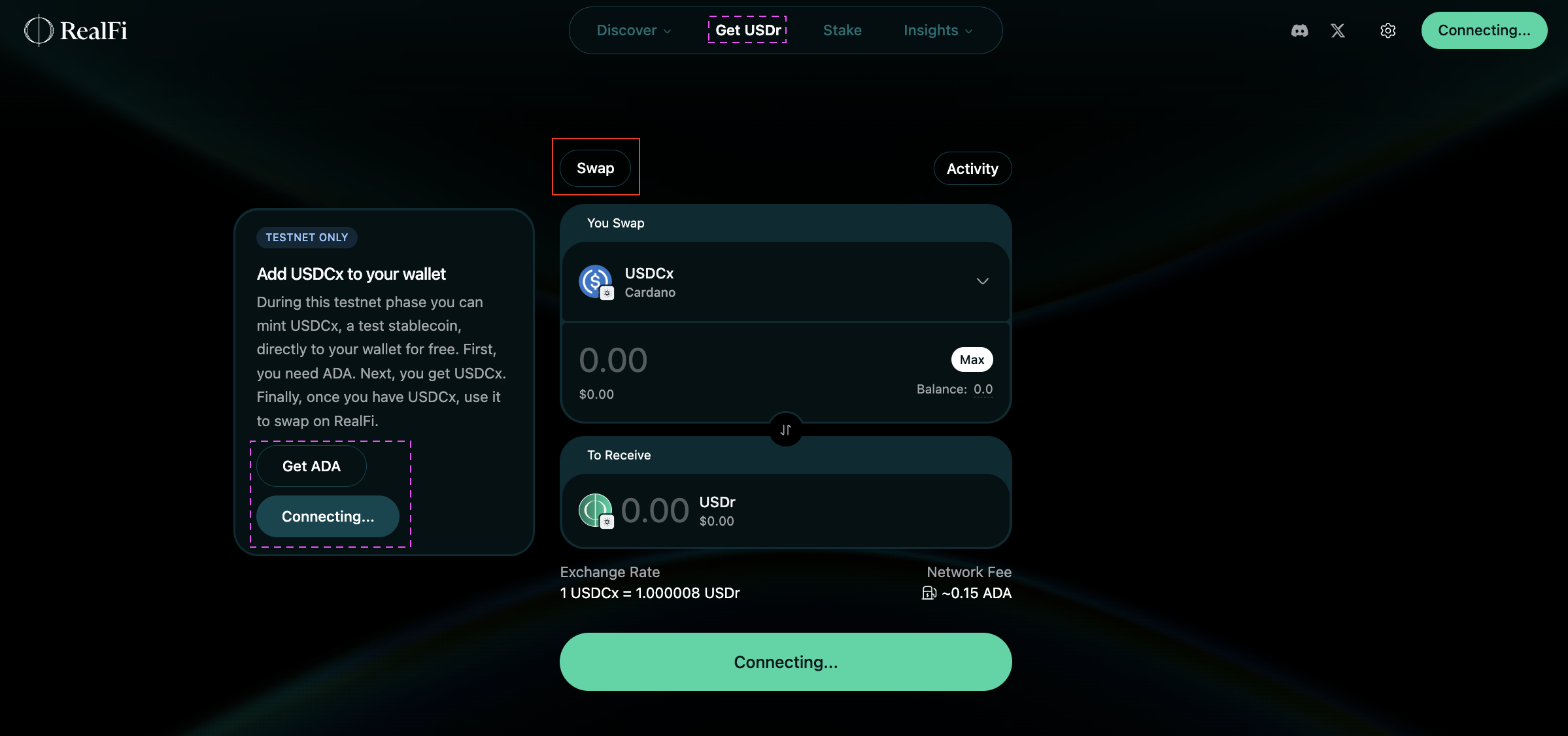
Your first swap transaction earns you 1,000 R-Points.